Invoice Generator
Professional invoices in seconds - multiple templates, fully customisable, print to PDF.
How to Use
Pick a Template
Choose from Modern, Classic, Bold, or Retro - or paste your own HTML template.
Fill in Details
Add invoice number, dates, your business info, and client info.
Add Line Items
Enter descriptions, quantities, and unit prices. Tax is calculated automatically.
Print or Download
Click "Print / Save as PDF" to use your browser's print dialog. Choose "Save as PDF" as the destination.
FAQ
More Tools
Practical tools you can rely on every day.

Image Combiner
A powerful browser-based tool to combine multiple images into grids or strips with customizable padding, background, and layout.

Social Share Preview
See exactly how your URL appears when shared on Facebook, Twitter/X, LinkedIn, and WhatsApp. Instantly audit Open Graph and Twitter Card meta tags.

X/Tweet Mockup Generator
Create realistic X (Twitter) post mockups with authentic dark mode aesthetics, verification badges (Blue/Gold/Grey), engagement metrics, and media support. Perfect for marketing presentations and content planning.

Text to Speech
Free and unlimited Text-to-Speech tool with advanced voice selection, pitch, and rate control for professional voice-overs.
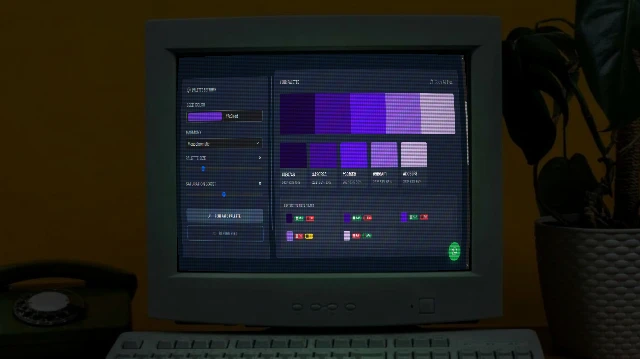
Color Palette Generator
Generate beautiful, harmonious colour palettes from a seed colour. Choose from analogous, complementary, triadic, and more. Export to CSS variables, Tailwind config, SCSS, or JSON.
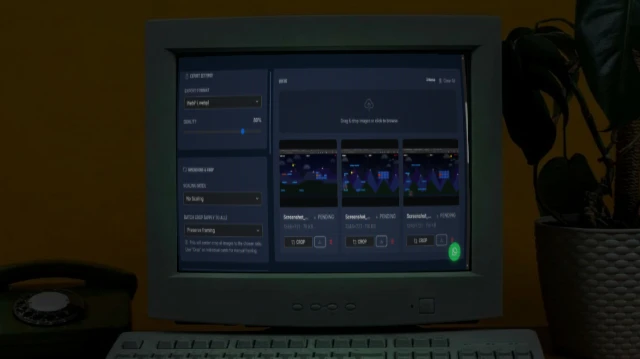
Bulk Image Processor
A powerful browser-based tool to bulk process images - resize, compress, crop, add filters, and watermarks. 100% private and fast.