
Social Share Preview
Test how your page looks when shared on Facebook, Twitter/X, LinkedIn, and WhatsApp - before you hit publish.
Enter a URL in the settings panel to see the social preview
How to Use
Enter Your URL
Paste the URL of any public page and click Fetch. The tool reads Open Graph and Twitter Card tags via a proxy.
Switch Platforms
Click Facebook, Twitter/X, LinkedIn, or WhatsApp tabs to see the exact preview card each platform renders.
Inspect & Fix Tags
The tag table below shows all detected meta tags with pass/warn/missing status so you know what to fix.
Common Questions
<head>, and paste it here.
og:title, og:description, and og:image (min 1200×630px). Twitter cards also use twitter:card set to summary_large_image.
More Tools
Practical tools you can rely on every day.
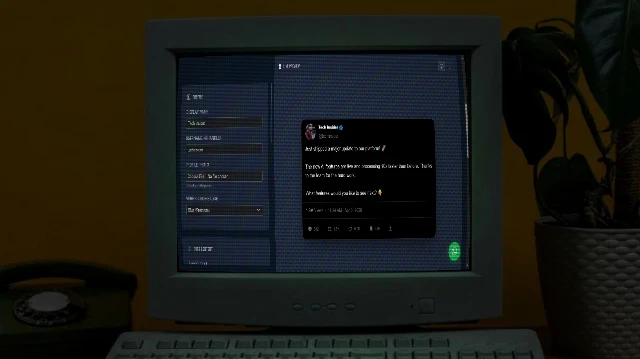
X/Tweet Mockup Generator
Create realistic X (Twitter) post mockups with authentic dark mode aesthetics, verification badges (Blue/Gold/Grey), engagement metrics, and media support. Perfect for marketing presentations and content planning.
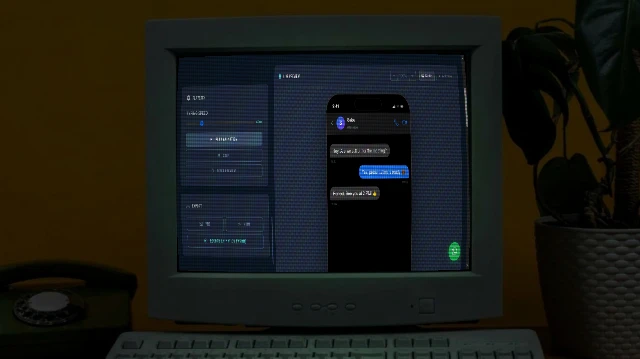
Arkcon - Animated Chat Generator with AI
Generate realistic animated iMessage chat mockups with typing animations, Turtle of Ark control codes, and cinematic playback.

Image Combiner
A powerful browser-based tool to combine multiple images into grids or strips with customizable padding, background, and layout.
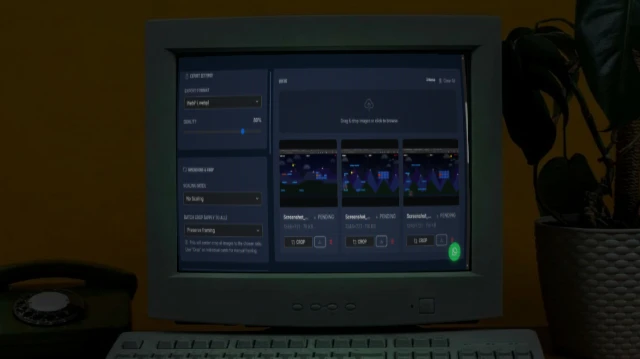
Bulk Image Processor
A powerful browser-based tool to bulk process images - resize, compress, crop, add filters, and watermarks. 100% private and fast.
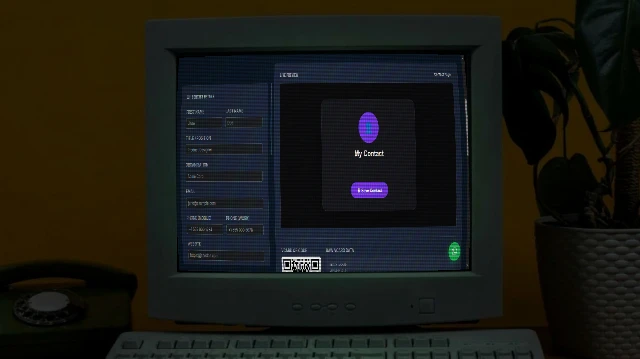
Contact Card Maker
Build a professional vCard (.vcf) with a scannable QR code and a beautiful contact page. Download the VCF, share the QR, or publish your contact page to GitHub Pages free.
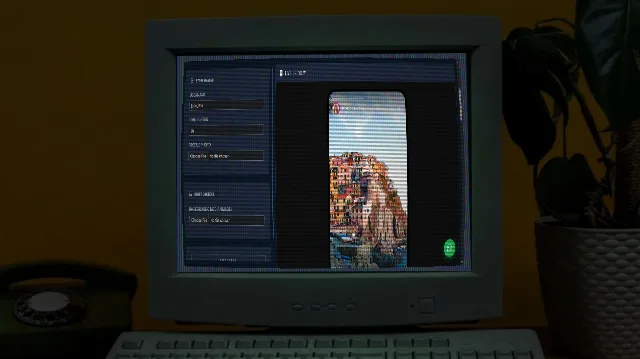
Instagram Story Mockup Generator
Generate realistic Instagram story mockups with custom images, gradient rings, and bottom reply bars.