
Text to Speech
AI-powered, private, and unlimited voice generation - processed entirely in your browser.
Your Text
How to Use
Input Your Text
Type or paste any content into the text area. Everything is processed locally on your device - nothing is sent to a server.
Find Your Voice
Use the search box to filter voices by name or language. The list updates as you type, making it easy to find the right voice.
Tune & Generate
Adjust speed and pitch to your liking, then click "Generate Speech". Use Pause and Stop to control playback at any time.
Common Questions
More Tools
Practical tools you can rely on every day.
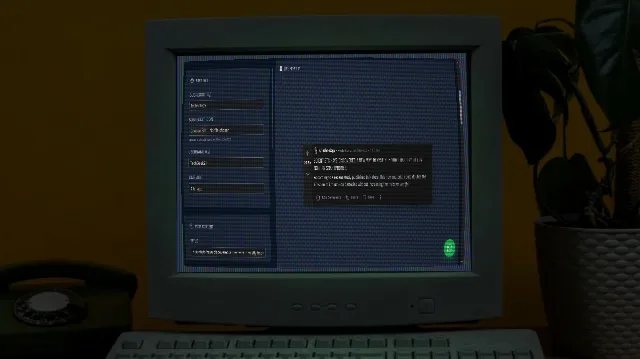
Reddit Post Mockup Generator
Create realistic Reddit post mockups with authentic aesthetics, upvotes, and awards. Perfect for marketing, presentations, and content planning.
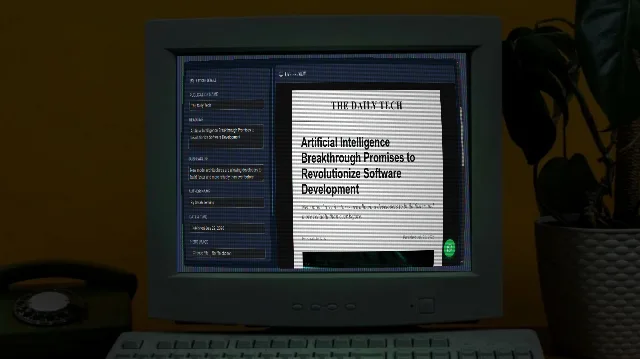
News Headline Mockup Generator
Create realistic news article mockups perfect for PR presentations, memes, or marketing.
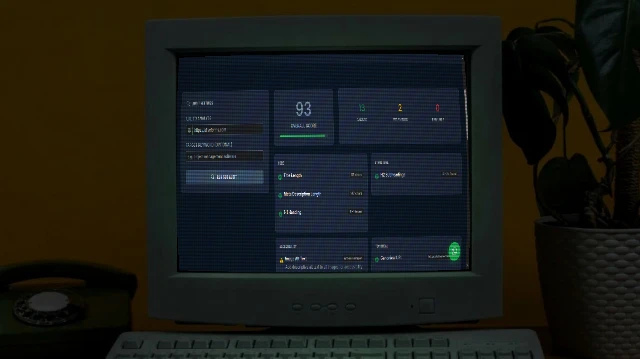
SEO Analyser
Audit on-page SEO in seconds. Checks title tags, meta descriptions, H1/H2 structure, Open Graph, schema markup, mobile viewport, and more - with actionable fix suggestions.
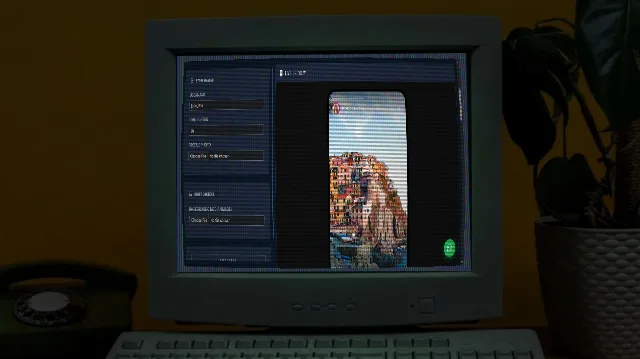
Instagram Story Mockup Generator
Generate realistic Instagram story mockups with custom images, gradient rings, and bottom reply bars.
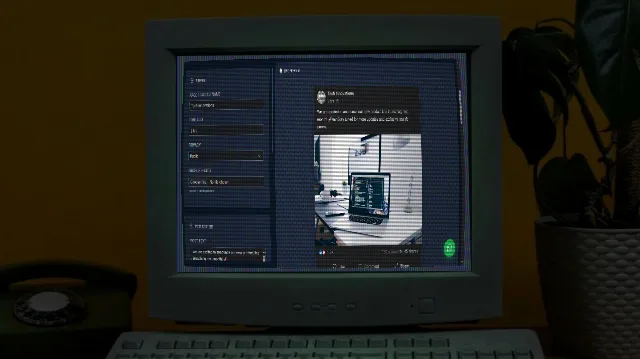
Facebook Post Mockup Generator
Create realistic Facebook post mockups with authentic aesthetics, reactions, and engagement metrics. Perfect for marketing, presentations, and content planning.
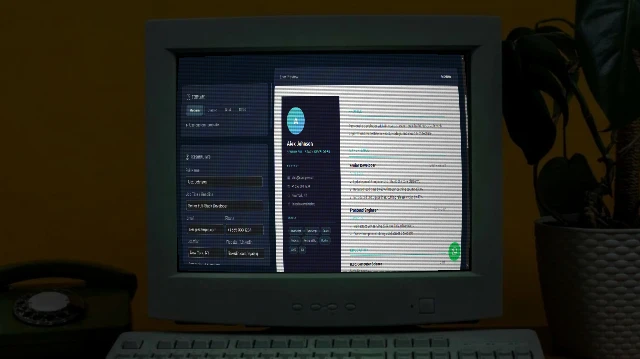
Resume Maker
Build a professional resume with multiple stunning templates. Live preview. Print to PDF or publish to GitHub Pages - all free.