Bulk Image Processor
Professional batch processing engine. Resize, smart-crop, apply filters, and watermark images instantly without uploading anything.
Queue
Drag & drop images or click to browse
No images in queue
How to Use
Upload & Prep
Drop your images. You can manually Crop individual images, or set a "Master Frame" framing that applies to every photo in the batch automatically.
Global Configuration
Define export format (WebP/JPEG/PNG), scaling, and visual filters. Add a watermark with custom stroke and fill if needed.
Bulk Process
Click "Process Batch". Once finished, you can grab a ZIP archive or use the "Strip" view to manually save images with a right-click.
Common Questions
More Tools
Practical tools you can rely on every day.
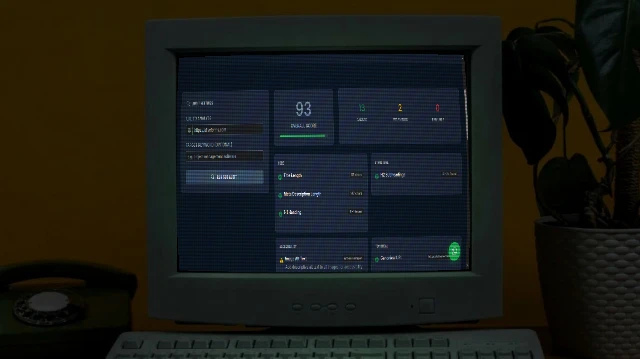
SEO Analyser
Audit on-page SEO in seconds. Checks title tags, meta descriptions, H1/H2 structure, Open Graph, schema markup, mobile viewport, and more - with actionable fix suggestions.
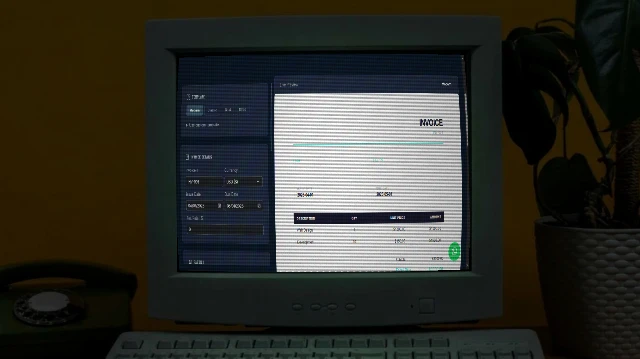
Invoice Generator
Professional invoices in seconds - multiple templates, fully customisable, print to PDF.
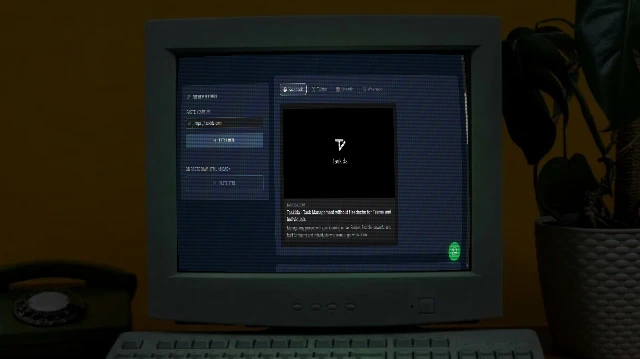
Social Share Preview
See exactly how your URL appears when shared on Facebook, Twitter/X, LinkedIn, and WhatsApp. Instantly audit Open Graph and Twitter Card meta tags.
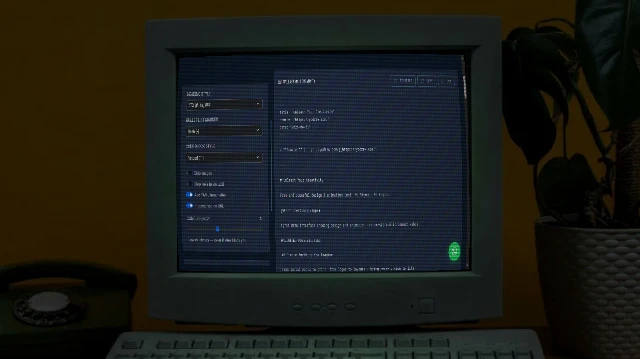
Bulk URL to Markdown
Paste a list of URLs and convert every page to clean Markdown instantly. Powered by Turndown.js with GFM support. Download individual .md files or grab everything as a ZIP.

Animated Conversation Generator with AI
Generate realistic animated iMessage chat mockups with typing animations, Turtle of Ark control codes, and cinematic playback.
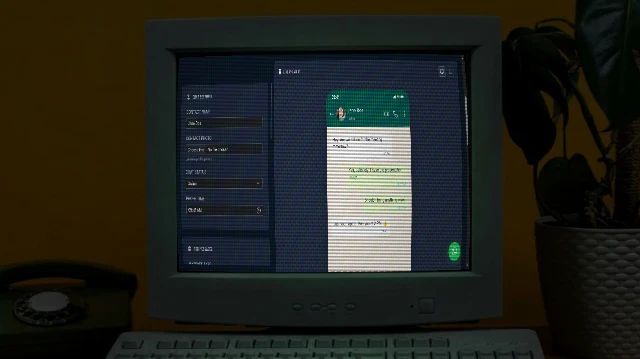
WhatsApp Chat Mockup Generator
Create realistic WhatsApp conversation mockups with custom messages, images, and voice notes. Perfect for presentations, marketing, or social media content.