Animated Conversation AI
Build animated conversations for iMessage, WhatsApp, or Instagram using real-time typing animations and AI-powered script parsing.
How to Use
Configure the Contact
Set the contact name, upload a profile photo, pick a status, and set the phone time.
Script the Conversation
Add text, image, or voice messages from "Me" or "Contact". Use Turtle of Ark codes in your messages to script corrections, pauses, and interleaved replies.
Play the Animation
Hit "Play Animation". Your messages type themselves character by character, their messages show the bouncing typing indicator then pop in with sound.
Export
Download a PNG screenshot of the static chat, or export as a self-contained HTML file to embed or share anywhere.
Common Questions
-> and <- prefixes, click Quick Edit in this tool and paste the script. The engine will automatically parse and animate it.
Turtle of Ark
Embed control codes directly inside any Me message to script the animation - corrections, pauses, mid-typing replies, cursor jumps. Write conversations exactly as they'd happen in real life.
🎁 Gift Scenario Example
Me:   Hi!
Them: Hey!
Me:   I'm sending you a gift.
Them: What's that?
Me:   this is a brand new iphone[>> 2][# 3][x 6]calculator
Them: I'm sending you a gift too.
Them: It is a book.
During the 5th message: types "iphone", triggers both Them messages mid-type via [>> 2], pauses 3s, backspaces "iphone", types "calculator", sends.
| Code | Action | Example |
|---|---|---|
[< N] |
Move cursor N chars left (silent) | Hello[< 5] |
[> N] |
Move cursor N chars right (silent) | Hell[> 1] |
[x N] |
Backspace N characters from cursor | iphone[x 6]calculator |
[# N] |
Pause animation N seconds | [# 2] |
[>> N] |
Trigger next N Contact messages mid-typing | gift[>> 2] |
Recording Studio
Ready to capture
More Tools
Practical tools you can rely on every day.

Merge PDF
Merge multiple PDF files into one document. Rearrange pages, sort files, and download the combined PDF. 100% free and private, no uploads needed.
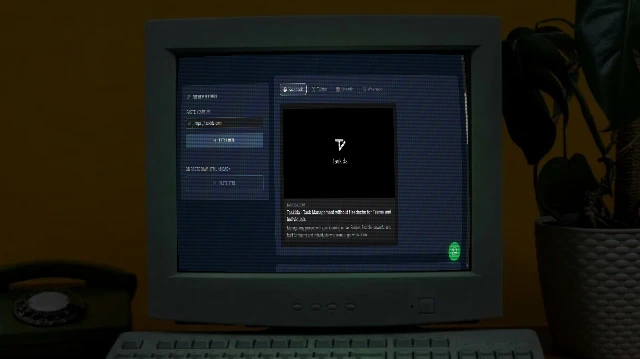
Social Share Preview
See exactly how your URL appears when shared on Facebook, Twitter/X, LinkedIn, and WhatsApp. Instantly audit Open Graph and Twitter Card meta tags.
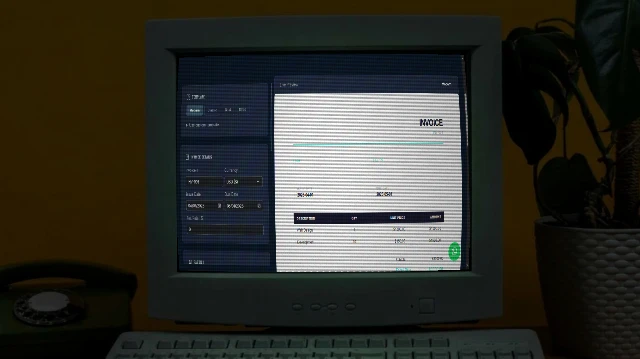
Invoice Generator
Professional invoices in seconds - multiple templates, fully customisable, print to PDF.

Image Combiner
A powerful browser-based tool to combine multiple images into grids or strips with customizable padding, background, and layout.

Resume Maker
Build a professional resume with multiple stunning templates. Live preview. Print to PDF or publish to GitHub Pages - all free.
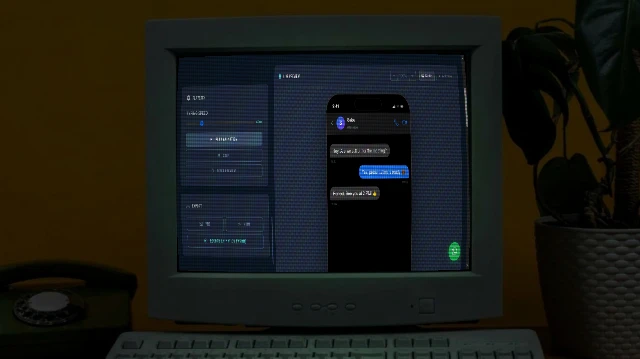
Animated Conversation Generator with AI
Generate realistic animated iMessage chat mockups with typing animations, Turtle of Ark control codes, and cinematic playback.