WhatsApp Chat Mockup
Create realistic WhatsApp conversation mockups instantly. Perfect for presentations, marketing materials, or social media content.
Live Preview
How to Use
Configure Chat Settings
Set the contact name, upload a profile picture, and set the chat status. Adjust the phone time to match your scenario.
Add Messages
Choose between text, image, or voice messages. Toggle between \"Me\" (green bubbles, right side) and \"Contact\" (white bubbles, left side). Click \"Add Message\" to insert into the conversation.
Arrange & Edit
Messages appear in the sidebar list. Click on a message in the list to delete it. Use \"Clear All\" to start fresh.
Export Your Mockup
Download as standalone HTML or save as PNG image. You can also deploy directly to GitHub Pages using the deployment panel.
Common Questions
More Tools
Practical tools you can rely on every day.
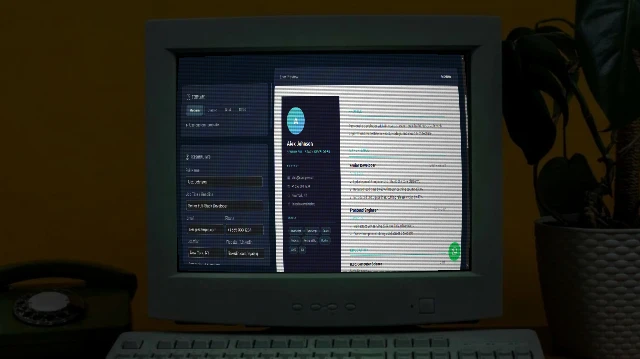
Resume Maker
Build a professional resume with multiple stunning templates. Live preview. Print to PDF or publish to GitHub Pages - all free.
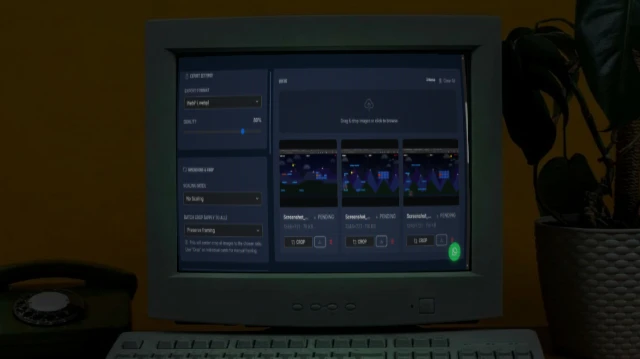
Bulk Image Processor
A powerful browser-based tool to bulk process images - resize, compress, crop, add filters, and watermarks. 100% private and fast.
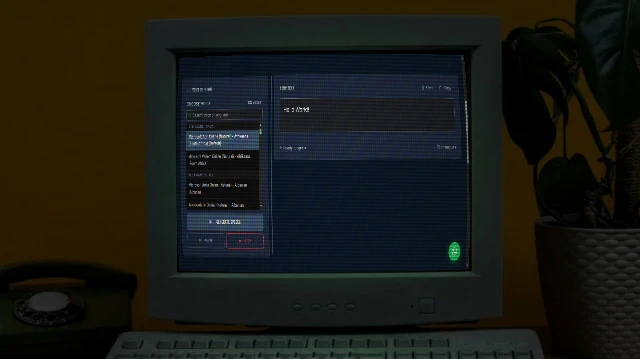
Text to Speech
Free and unlimited Text-to-Speech tool with advanced voice selection, pitch, and rate control for professional voice-overs.
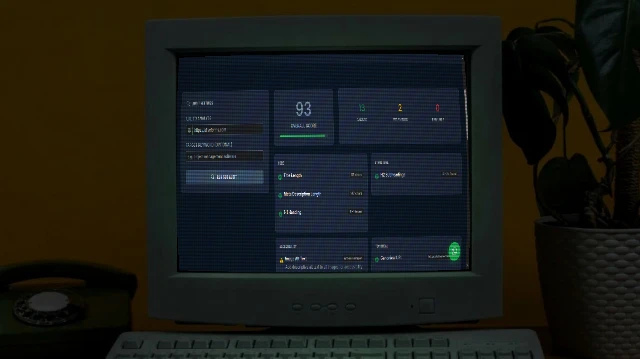
SEO Analyser
Audit on-page SEO in seconds. Checks title tags, meta descriptions, H1/H2 structure, Open Graph, schema markup, mobile viewport, and more - with actionable fix suggestions.
Bulk QR Code Generator
Generate one or hundreds of QR codes in seconds. Paste URLs, upload a CSV, customise colours and size, then download as individual PNGs or a single ZIP archive.
Image Combiner
A powerful browser-based tool to combine multiple images into grids or strips with customizable padding, background, and layout.