
X/Tweet Mockup Generator
Create realistic X (Twitter) post mockups with authentic dark mode aesthetics, engagement metrics, and verification badges. Perfect for marketing, presentations, and content planning.
Live Preview
How It Works
Set Up Profile
Enter the display name, username (@handle), and upload a profile photo. Choose verification badge type: Blue, Gold, or Grey.
Compose Post
Write your tweet text (mentions, hashtags, URLs). Upload media attachments: single image, grid (2-4 photos), or poll. Set timestamp and views.
Adjust Engagement
Customize reply, repost, like, and bookmark counts. Numbers format automatically (e.g., 1.2K, 3.5M).
Export & Deploy
Choose themes and layouts. Download as HTML or high-res PNG. Deploy to GitHub Pages instantly.
Common Questions
More Tools
Practical tools you can rely on every day.

Facebook Post Mockup Generator
Create realistic Facebook post mockups with authentic aesthetics, reactions, and engagement metrics. Perfect for marketing, presentations, and content planning.

Instagram Story Mockup Generator
Generate realistic Instagram story mockups with custom images, gradient rings, and bottom reply bars.

SEO Analyser
Audit on-page SEO in seconds. Checks title tags, meta descriptions, H1/H2 structure, Open Graph, schema markup, mobile viewport, and more - with actionable fix suggestions.
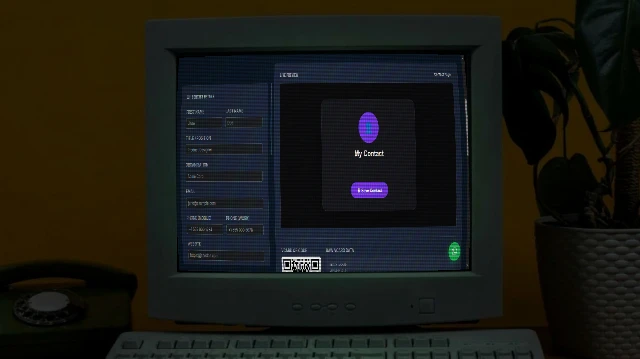
Contact Card Maker
Build a professional vCard (.vcf) with a scannable QR code and a beautiful contact page. Download the VCF, share the QR, or publish your contact page to GitHub Pages free.
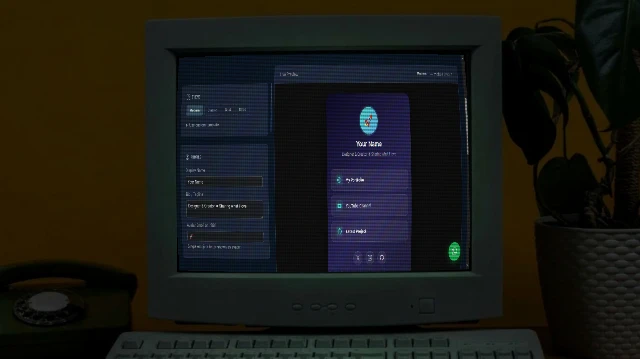
Links Page Maker
Your own Linktree - multiple themes, fully custom, deploy to GitHub Pages free.

Color Palette Generator
Generate beautiful, harmonious colour palettes from a seed colour. Choose from analogous, complementary, triadic, and more. Export to CSS variables, Tailwind config, SCSS, or JSON.