NABEEL.

Quality Praised by Thousands of Users

Difference Engineered.

Software products and services for businesses and individuals. Privacy focused & User Caring. Out of the box thinking bringing efficiency, ease and power in a beautiful package.

Tools in action
Built Different in Good Way!
350K+
Happy Users
100+
Products & Libraries
200+
Projects
100+
Clients

What Is Difference?

The Quality, The Approach, The Purpose!

Privacy First

Your data stays yours. Built from the ground up with privacy as a core principle, not an afterthought.

Relentlessly Optimized

Every millisecond matters. Our software is engineered for speed, efficiency, and lean resource usage.

Out-of-the-Box Thinking

We question every assumption. Products designed the way they should have been - not the way they always were.

User Care, Deeply

Intuitive interfaces, thoughtful onboarding, and support that treats you like a person - not a ticket.

Cost Effective

Premium capability without premium pricing. No bloated tiers, no surprise bills - just honest value.

Seriously Powerful

We don't shy away from capability. These tools are built to handle real work at real scale.

Products

Purpose-built software that respects your time and your data. Designed to be fast, reliable, and quietly powerful in the way it fits into your workflow.

View All Products

Tools

Practical tools you can rely on every day. Lightweight, instant, and privacy-first, made to get things done without friction or distractions.

View All Tools
New Animated Conversation Generator with AI
Design Tools

Animated Conversation Generator with AI

Generate realistic animated iMessage chat mockups with typing animations, Turtle of Ark control codes, and cinematic playback.
New Bulk Image Processor
Design Tools

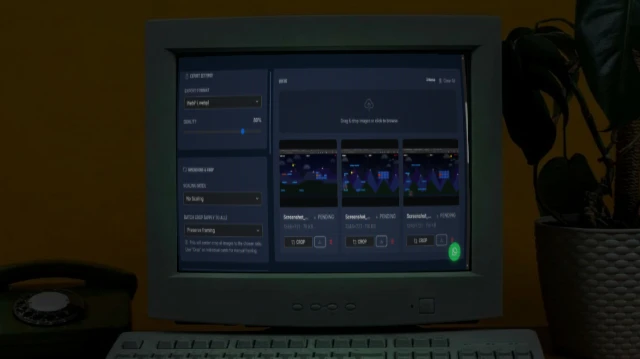
Bulk Image Processor

A powerful browser-based tool to bulk process images - resize, compress, crop, add filters, and watermarks. 100% private and fast.

Essential Resume Maker
Professional Tools

Resume Maker

Build a professional resume with multiple stunning templates. Live preview. Print to PDF or publish to GitHub Pages - all free.

Popular Links Page Maker
Social & Bio Pages

Links Page Maker

Your own Linktree - multiple themes, fully custom, deploy to GitHub Pages free.

New Bulk QR Code Generator
Utilities

Bulk QR Code Generator

Generate one or hundreds of QR codes in seconds. Paste URLs, upload a CSV, customise colours and size, then download as individual PNGs or a single ZIP archive.

New Contact Card Maker
Social & Bio Pages

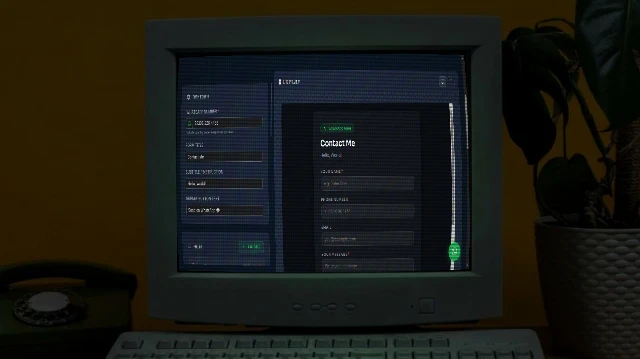
Contact Card Maker

Build a professional vCard (.vcf) with a scannable QR code and a beautiful contact page. Download the VCF, share the QR, or publish your contact page to GitHub Pages free.
New WhatsApp Form Maker
Social & Bio Pages

WhatsApp Form Maker

Build a professional WhatsApp Form page. Publish your WhatsApp Form to GitHub Pages free.

New Color Palette Generator
Design Tools

Color Palette Generator

Generate beautiful, harmonious colour palettes from a seed colour. Choose from analogous, complementary, triadic, and more. Export to CSS variables, Tailwind config, SCSS, or JSON.

Utility Image Combiner
Design Tools

Image Combiner

A powerful browser-based tool to combine multiple images into grids or strips with customizable padding, background, and layout.

Games

Simple, polished experiences built for pure enjoyment. No clutter, no gimmicks, just well-crafted moments that feel good to play.

View All Games
Fun Bloodline Breached
Game

Bloodline Breached

Fast-pace, action, chaos and nostalgia - A game that is only for entertainment. Multiple levels, different bosses, different weapons and.... combos!!!

Fun Quizrella
Game

Quizrella

Fun trivia, blind ranking games, personality tests etc.

From the Blog

Insights, guides, and news from our team of industry experts.
All Posts
How to Manage 100+ Browser Tabs Without Losing Your Mind
Productivity

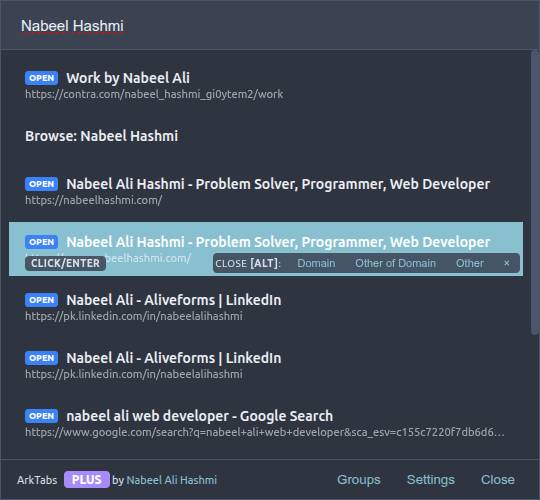
How to Manage 100+ Browser Tabs Without Losing Your Mind

Learn how power users manage hundreds of browser tabs efficiently with Spotlight-style search, bulk closing, and keyboard shortcuts.
2026-04-10 Read
How to Convert Text to Speech for Free Without API Limits
Audio

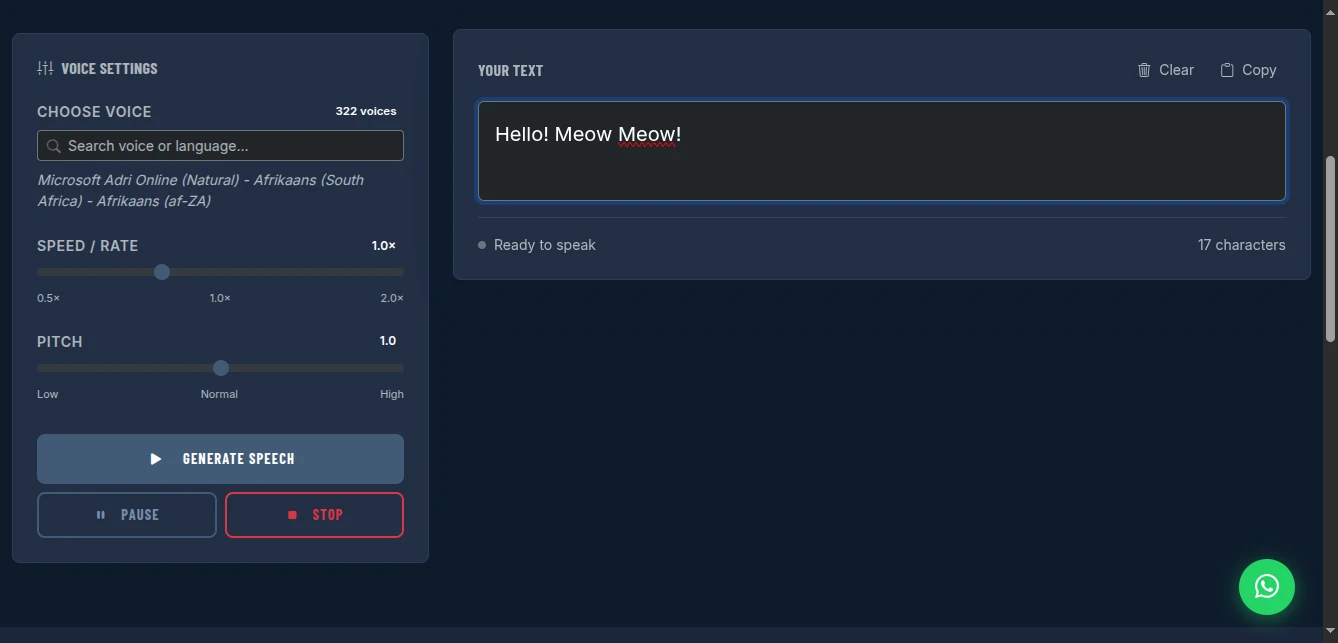
How to Convert Text to Speech for Free Without API Limits

Free unlimited text-to-speech with 300+ voices. No API keys, no quotas, no watermarks. Adjust speed and pitch for professional voiceovers. Works entirely in your browser.

2026-04-09 Read
How to Create a WhatsApp Form for Lead Generation Without Coding
Lead Generation

How to Create a WhatsApp Form for Lead Generation Without Coding

Build professional forms that send submissions directly to your WhatsApp. No backend, no code, instant shareable link. Perfect for lead capture, orders, and support - free and private.

2026-04-09 Read

Ready to Boost Your Productivity?

Join thousands of users who trust our software and tools.

Useful Reading

Some really interesting and useful reading for you.

WordPress vs Webflow: Which Website Builder Wins?

WordPress and Webflow are two of the most popular platforms for building websites, but they approach the problem very differently. WordPress is a content management system that has powered the web for over twenty years. Webflow is a visual design tool that generates clean code without requiring you to write any. Both platforms have serious strengths and real limitations. The right choice depends on your technical background, design ambitions, and long-term goals.

What Is WordPress?

WordPress started in 2003 as a blogging platform and evolved into the most widely used content management system in the world. It powers over forty percent of all websites on the internet. WordPress is open source and free to download, though you need your own hosting. Its power comes from a massive ecosystem of themes and plugins. There are over sixty thousand plugins available, covering everything from SEO tools to e-commerce stores to membership platforms. Almost anything you want to add to a website exists as a WordPress plugin.

What Is Webflow?

Webflow is a visual website builder launched in 2013 that lets you design websites using a visual interface while it generates clean, production-ready HTML, CSS, and JavaScript in the background. You are not using a template system with limited options. You are building with a full design toolset, similar in concept to design software, but the output is real code that runs in a browser. Webflow also includes a CMS for managing content, e-commerce capabilities, and its own hosting infrastructure.

Design Freedom

Webflow wins on design freedom for visual designers. Because you are working directly with layout, typography, spacing, and animations in a visual tool, you can build virtually any design without writing code. Custom animations, scroll effects, and interactions that would require JavaScript elsewhere can be built visually in Webflow. WordPress design depends heavily on your theme. Premium themes give you flexibility through page builders like Elementor or Divi, but you are often working within the constraints of what a theme was designed to allow.

Content Management

WordPress has a more mature and flexible content management system. It handles complex editorial workflows, multiple content types, user roles, revision history, and an enormous library of plugins for extending the CMS in any direction. For blogs, news sites, and content-heavy platforms, WordPress is still the industry standard. Webflow's CMS is capable and clean, but it is designed for simpler content structures and does not yet match WordPress for editorial publishing at scale or complex multi-author environments.

Performance and Hosting

Webflow hosts your site on its own infrastructure with built-in CDN delivery, SSL, and automatic backups. The performance out of the box is excellent and you do not need to think about hosting configuration. WordPress requires you to choose and manage your own hosting. A poorly optimized WordPress site can be slow, but a well-configured WordPress site on good hosting with proper caching can be extremely fast. The difference is that Webflow makes good performance automatic, while WordPress makes it achievable with effort.

Pricing

WordPress itself is free, but hosting costs money. Decent managed WordPress hosting starts around fifteen to twenty-five dollars a month for small sites. Webflow pricing starts lower for simple sites but rises quickly for CMS and e-commerce functionality, with team plans running significantly higher. For most small business websites, costs are comparable. For larger projects, the pricing comparison becomes more nuanced depending on the specific hosting and plugin costs involved in a WordPress setup.

Which Platform Should You Choose?

Choose WordPress if you need a mature CMS for content-heavy publishing, want the most extensive plugin ecosystem, prefer open source control, or are building a complex editorial or e-commerce platform. Choose Webflow if you are a designer who wants to build custom, visually sophisticated websites without writing code, want predictable hosting performance, and are building sites with manageable content complexity. Webflow is increasingly popular with design agencies. WordPress remains the dominant choice for businesses that prioritize content and customization over visual design precision.