ArkTabs
Find Any Tab. Instantly.
Transform tab chaos into effortless productivity. Instantly search, switch, and schedule tabs, bookmarks, history, and workspaces with AI-like fuzzy search and real-time previews.


Ultimate Efficiency
Stop wasting time hunting for tabs. One keyboard shortcut (Alt + P) gives you instant access to everything in your browser.
ArkRank Intelligence
Proprietary ranking algorithm that feels AI-powered. Learns your browsing patterns and predicts what you need. The more you use it, the smarter it gets.
Unified Spotlight Search
Fuzzy search across open tabs, bookmarks, browsing history, recently closed tabs, and custom workspaces. Find anything instantly, even with typos.
Keyboard Shortcuts
Navigate results with arrow keys and jump instantly using Enter. Alt + X to close tabs. Use Alt + L to switch between last and current tab, or Alt + J/K to navigate MRU tabs.
Smart Session Restore
Accidentally closed your window? Easily restore your last session right from the top of the list.
Memory Management
Suspend inactive tabs to free up RAM and speed up your browser. Keep your tabs open without the memory overhead.
Snooze Tabs
Close tabs now and have them automatically reappear later when you need them. Like hitting snooze on your alarm.
Duplicate Cleanup
Instantly find and close all duplicate tabs with a single click. Keep your browser lean and organized.
Instant Cleanup
Close tabs directly from search results. Focus Mode eliminates distractions by closing everything except your current tab.
Whole Site Cleanup
Close all tabs from the same website in one action, like killing all YouTube tabs at once. Domain-level control at your fingertips.
Workspaces
Save collections of websites together and launch them instantly. Perfect for different projects, daily routines, or research sessions.
Create Workspaces
Save collections of websites together under meaningful names like "Morning Routine", "Project Docs", or "Daily Reads".
One Click Launch
Open every website inside a workspace instantly from search results. Start your work session in seconds.
Scheduled Automation
Set workspaces to open automatically at specific times. Your morning routine opens when you want it.
Automatic Tab Groups
Bring order to your tab bar automatically. Define rules and let ArkTabs handle the organisation while you focus on what matters.
Auto-Grouping
Enable automatic tab grouping in settings. ArkTabs will automatically move new and existing tabs into their designated groups based on your rules.
Rule-Based Organisation
Create custom rules for your favourite sites. Group all "Search" engines together, or keep all "Work" related domains in one colour-coded group.
Clean Interface
Reduce visual clutter in your browser. Groups can be collapsed or expanded, keeping your most important tabs front and centre.
Unlock Advanced Capabilities
Get professional-grade features at zero cost. Pay-what-you-want model, including $0. Pricing will change in future versions.
Advanced Launcher Mode
Switch from a small popup to a large centred window that feels native to your system. Detached, spotlight-style interface for power users.
Live Tab Preview
Preview tab content in the background while navigating search results. Hover or use arrow keys to see what's on each tab before switching.
Power Actions
Close all tabs from one domain (Alt + A), close everything except one domain (Alt + D), or close all but selected tab (Alt + O).
Premium Themes
Dark, Night Owl, Darcula, Tokyo Night, Nord, Light, Paper, Neon, Snow, Solarized Light, and more beautiful themes to match your style.
Note for Linux Users with Tiling Window Managers
If you're using Advanced Launcher Mode with a tiling window manager (i3, bspwm, awesome, etc.), you'll need to add a window rule to keep the ArkTabs popup floating and centred.
For i3wm, add this to your config:
for_window [title="ArkTabs"] floating enable, move position center
For bspwm, add this to your bspwmrc:
bspc rule -a "*:*:ArkTabs" state=floating center=true
For awesome wm, add this to your rules:
{ rule = { name = "ArkTabs" },
  properties = { floating = true, placement = awful.placement.centered } }
Private by Design
Your data stays yours. Always. Built by a developer who respects your privacy.
No Tracking
Zero analytics, no telemetry, no data collection of any kind.
Local Only
Everything runs in your browser. Your tabs, history, and bookmarks never leave your computer.
No Accounts
No sign-ups, no logins, no servers collecting your data.
Open Development
Built by Nabeel Ali Hashmi, a developer committed to privacy-first software.
Stop Hunting. Start Working.
Join users who've reclaimed their browser productivity. Install ArkTabs and get instant access to all your browser data.
Chrome Web Store · Free Forever · No Credit Card · Use code NABEELALI for 100% off Plus
More Products
Purpose-built software that respects your time and your data.
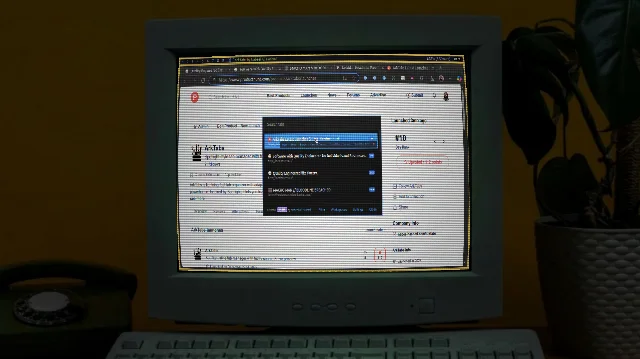
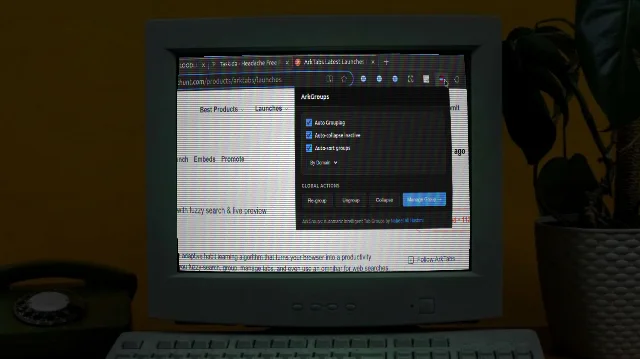
ArkGroups
Automatically organize your browser tabs into color-coded groups based on customizable rules. Keep your workspace clean, organized, and efficient.
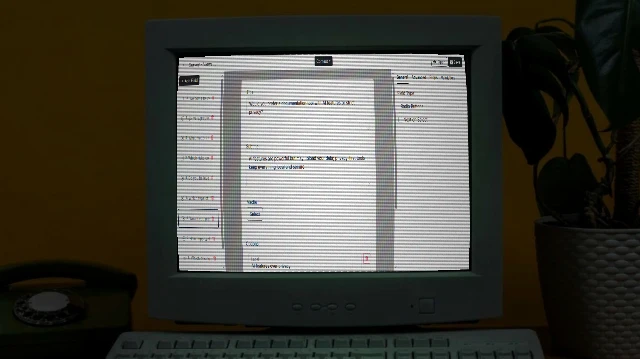
Arkivya
Solution for forms for businesses giving full ownership, customization, AI help, white-label, extensible. Self-host/source code options.
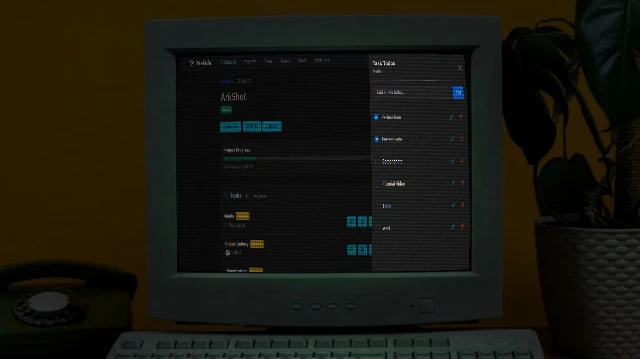
Taskida
Project and Task Management Solution for individuals and teams. Create project, manage tasks, collaborate with team members. Easy, flexible and powerful.

Arkida
High-performance browser mockup engine that turns screenshots into professional, perspective-correct visuals in seconds. Warp, frame, and export stunning mockups.

Yo! Draw
Free browser-based graphic design/animation tool for posts, ads, thumbnails, logos. No signup, privacy-focused, animations, sync, JS extensible, PNG/SVG exports.