Arkida
From Images to Professional Visuals.
Arkida is a creative tool available as browser extension for chromium based browsers that transforms your screenshots and images into stunning product shots, scene mockups, and presentation-ready visuals. Perspective warp, scene occlusion, AI lighting, and batch export dozens at once. All local, all private, no account required.

What Arkida Does
Every tool you need to make screenshots look like product photography.

3D Rotation & Perspective Warping
Tilt and rotate your mockup on X and Y axes, then use the 4-point perspective tool to map it onto any angled monitor, tilted phone, or real-world surface. The homography engine keeps everything crisp — no blur, no artifacts, at any angle.
- X/Y axis tilt for dynamic presentation angles
- 4-point drag handles for perfect surface mapping
- Sharp output at every warp — no quality loss

Built-in Device Frames
A growing library of high-quality SVG device frames — ready to use instantly, razor-sharp at any resolution because everything is vector.
- Modern iPhones and Android styles
- Tablets in portrait and landscape
- Sleek laptops and desktop monitors
- Browser windows and OS-style frames
- Minimalist rounded and thin border styles

Crop, Fit & Position
Full manual control over how your screenshot sits inside the frame. Pan, zoom, and crop without leaving the app. Smart fit modes handle the common cases in one click — no round-tripping to another tool just to nudge a pixel.
- Drag to pan, scroll to zoom within the frame
- Integrated crop — no external editor needed
- Smart modes: Fill, Fit, Center, Stretch
- Precision zoom loupe for pixel-perfect alignment

Scene Occlusion — Screenshots Behind Reality
Most mockup tools paste your screenshot on top of a photo. Arkida's "Scene on Top" technology lets your screenshot sit behind objects in the scene — a hand, fingers over a screen, a coffee cup in front of a laptop. The result looks like a real photograph.
- Scene elements render in front of your screenshot
- Works with any custom frame photo you create
- Makes mockups indistinguishable from real product shots

AI Surface Glare & Environment Glow
Two AI-powered lighting effects that close the gap between mockup and photograph. Surface glare adds realistic glass reflections across the screen. Environment glow simulates your screenshot's light bleeding onto the device body — the small detail that makes everything look authentic.
- AI Surface Enhancement — realistic screen glare
- AI Environment Glow — light spill onto the device
- Both non-destructive and independently adjustable

Stackable Artistic Filters
A professional filter stack you can layer and combine to apply distinct looks to your mockups. Go from clean and corporate to cinematic and moody — without leaving the tool, without Lightroom.
- Stack multiple filters on a single mockup
- Non-destructive — adjust or remove any time
- Apply the same look across a batch of images

Chroma Key & Manual Eraser
Turn any photo into a reusable mockup frame. Chroma key automatically removes the screen color from device photos so your screenshot shows through cleanly. Use the manual eraser to fine-tune anything the auto-detection missed. AI screen detection finds the boundaries for you before you even start.
- AI screen boundary detection — skip manual setup
- Chroma key removes screen colors in one click
- Manual eraser brush for pixel-level cleanup
- SVG import for frames that scale at any resolution
- Save as .arkframe — reuse and share with your team
- Download frames from online galleries and pin favorites

High-Resolution Export
Export exactly what you need, in the format that works for your workflow. Transparent background for design handoff, solid color for marketing, lossless PNG for archives, compact WebP for the web. Batch export to ZIP with Plus.
- PNG (lossless), JPG, and WebP with adjustable quality
- Transparent background or any custom color
- Capture all open tabs in one click Plus
- Batch process and download as ZIP Plus
Arkida Plus
AI lighting, scene occlusion, batch processing, and more. 83% off during launch.
AI Surface Glare
Realistic light reflections across the screen surface for a genuine glass look.
AI Environment Glow
Simulates your screenshot's light reflecting onto the device body — the detail that sells the realism.
Advanced Scene Occlusion
Your screenshot sits behind real objects in the scene for photo-realistic depth.
Stackable Filters
Layer multiple artistic filters for a consistent, distinctive look across all your assets.
Batch Processing + ZIP
Process dozens of screenshots at once and download them in one organised ZIP file.
Capture All Tabs
Snap every open browser tab in one click, perfect for bulk workflows.
Multi-Image Upload
Upload multiple images simultaneously and apply the same frame to all of them at once.
20 Saved Favorites
Pin up to 20 custom frames for instant access without re-uploading.
PRICING
Choose the plan that's right for you.
Plus — Monthly
- AI surface glare
- AI environment glow (spill)
- Advanced scene occlusion
- Stackable artistic filters
- Batch processing & ZIP
- Capture all tabs at once
- Multi-image upload
- 20 saved favorite frames
Plus — Yearly
- AI surface glare
- AI environment glow (spill)
- Advanced scene occlusion
- Stackable artistic filters
- Batch processing & ZIP
- Capture all tabs at once
- Multi-image upload
- 20 saved favorite frames
Private by Design
All processing happens locally in your browser. Nothing ever leaves your machine.
No Tracking
Zero analytics, no telemetry, no data collection of any kind.
Local Only
Everything runs in your browser. Your screenshots never leave your computer.
No Accounts
No sign-ups, no logins, no servers storing your data.
Open Development
Built by Nabeel Ali Hashmi, a developer committed to privacy-first software.
Portfolio-Ready Mockups in Seconds.
Free to install. Upgrade to Plus during launch for 83% off — $1.99/month or $19.99/year — and unlock AI lighting, scene occlusion, and batch processing.
More Products
Purpose-built software that respects your time and your data.
ArkFind
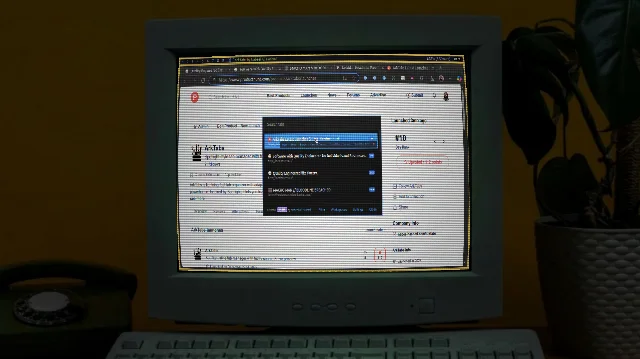
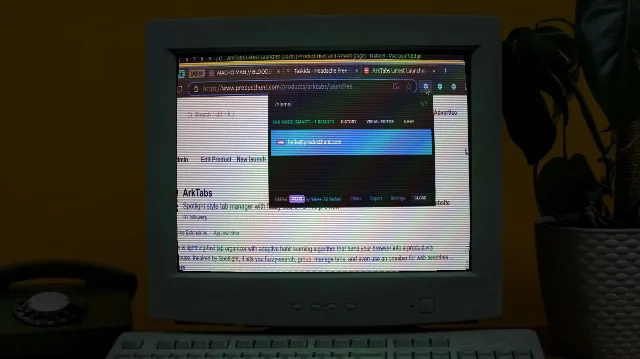
The ultimate web extractor and navigator. Quickly navigate pages, extract contacts, emails, and addresses into JSON/CSV. Features the powerful ARK engine and a visual builder for effortless data capture.
Arkivya
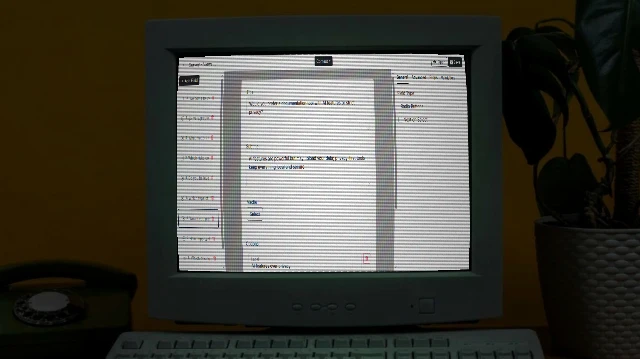
Solution for forms for businesses giving full ownership, customization, AI help, white-label, extensible. Self-host/source code options.
Taskida
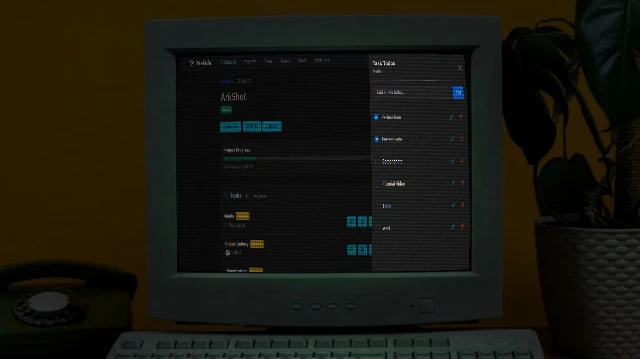
Project and Task Management Solution for individuals and teams. Create project, manage tasks, collaborate with team members. Easy, flexible and powerful.
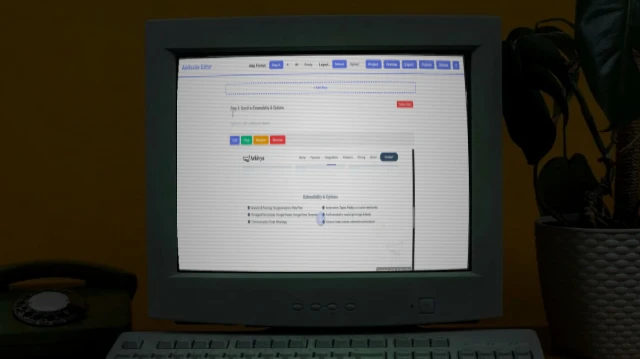
ArkScribe
Privacy-first tool for step-by-step guides, manuals, SOPs, presentations. Browser recording with screenshots, timeline editing, exports (PDF/HTML/MD/images), narrated videos.
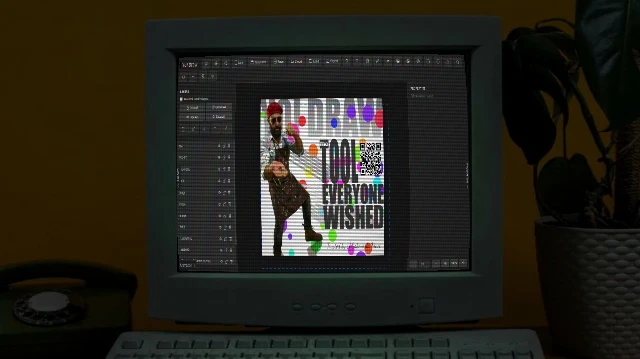
Yo! Draw
Free browser-based graphic design/animation tool for posts, ads, thumbnails, logos. No signup, privacy-focused, animations, sync, JS extensible, PNG/SVG exports.