Links Page Maker
Your own Linktree - multiple themes, fully custom, deploy to GitHub Pages free.
How to Use
Pick a Theme
Choose your visual style. Or paste your own HTML template.
Add Your Links
Add as many links as you want with icons and labels.
Deploy Free
Connect your GitHub account and deploy to GitHub Pages. Your link-in-bio is live in 60 seconds.
FAQ
More Tools
Practical tools you can rely on every day.

Image Combiner
A powerful browser-based tool to combine multiple images into grids or strips with customizable padding, background, and layout.
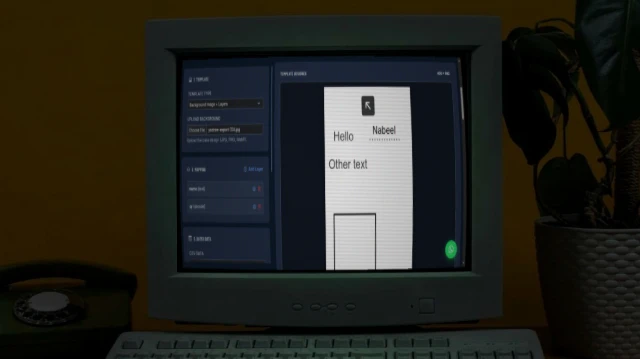
Bulk Card Studio
Generate bulk cards, certificates, or social media graphics. Upload an image or HTML/SVG template, map CSV data to placeholders, and export as high-quality images or ZIP.

Invoice Generator
Professional invoices in seconds - multiple templates, fully customisable, print to PDF.

Bulk QR Code Generator
Generate one or hundreds of QR codes in seconds. Paste URLs, upload a CSV, customise colours and size, then download as individual PNGs or a single ZIP archive.

Links Page Maker
Your own Linktree - multiple themes, fully custom, deploy to GitHub Pages free.

Resume Maker
Build a professional resume with multiple stunning templates. Live preview. Print to PDF or publish to GitHub Pages - all free.