Contact Card Maker
Build a vCard (.vcf), generate a scannable QR code, and publish a beautiful contact page - all free, all private.
Live Preview
Contact PagevCard QR Code
Raw vCard Data
How to Use
Fill In Your Details
Enter your name, contact info, links, and optional profile photo. All fields are optional.
Download or Deploy
Download the .vcf file to share directly, or download the QR code for print/digital use.
Publish to GitHub Pages
Use the GitHub Deploy panel to push your beautiful contact page live - free forever on GitHub Pages.
Common Questions
More Tools
Practical tools you can rely on every day.
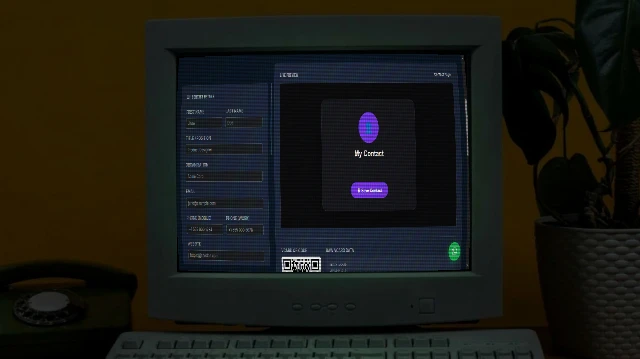
Contact Card Maker
Build a professional vCard (.vcf) with a scannable QR code and a beautiful contact page. Download the VCF, share the QR, or publish your contact page to GitHub Pages free.

Merge PDF
Merge multiple PDF files into one document. Rearrange pages, sort files, and download the combined PDF. 100% free and private, no uploads needed.
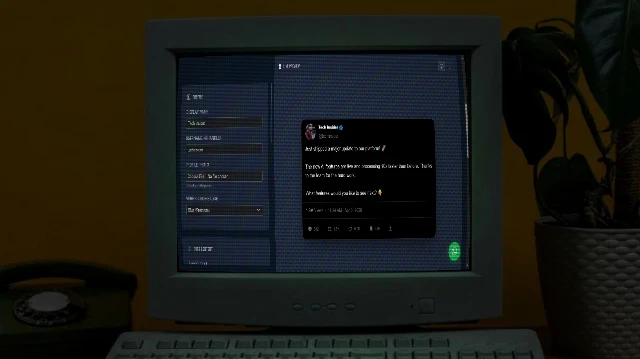
X/Tweet Mockup Generator
Create realistic X (Twitter) post mockups with authentic dark mode aesthetics, verification badges (Blue/Gold/Grey), engagement metrics, and media support. Perfect for marketing presentations and content planning.
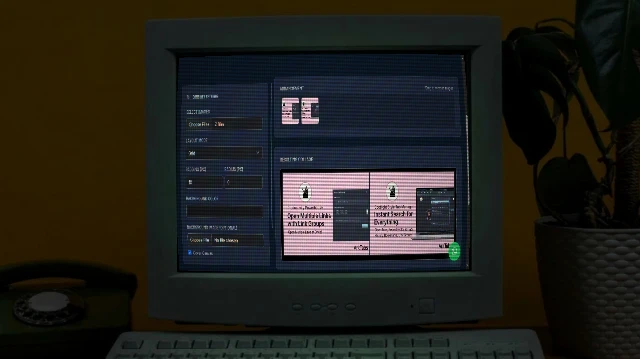
Image Combiner
A powerful browser-based tool to combine multiple images into grids or strips with customizable padding, background, and layout.
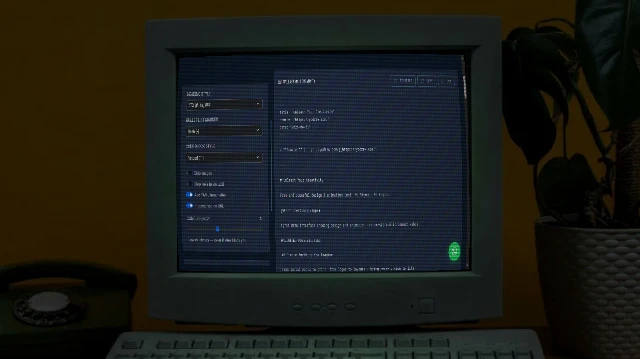
Bulk URL to Markdown
Paste a list of URLs and convert every page to clean Markdown instantly. Powered by Turndown.js with GFM support. Download individual .md files or grab everything as a ZIP.
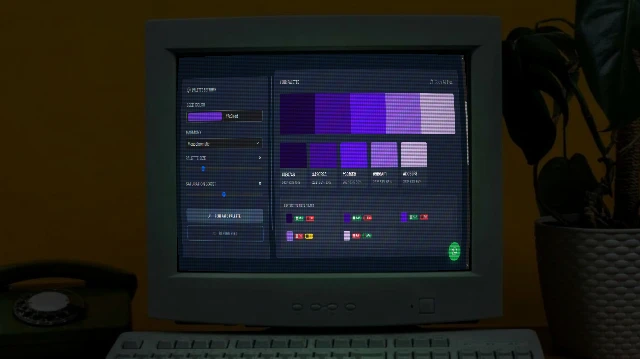
Color Palette Generator
Generate beautiful, harmonious colour palettes from a seed colour. Choose from analogous, complementary, triadic, and more. Export to CSS variables, Tailwind config, SCSS, or JSON.