
Don't Repeat instructions!
Create professional step-by-step guides. Capture actions with intelligent detection, edit with precision, present and export to multiple formats - all without your data ever leaving your browser.

Stop Wasting Time on Manual Documentation
Traditional methods are slow and risky. ArkScribe is the modern alternative.
The Old Way
- Taking dozens of screenshots manually
- Typing repetitive "Click here, type there" instructions
- Switching between screenshot tools and editors
- Converting between PDF, HTML, and Markdown
- Hours wasted on formatting and organization
The ArkScribe Way
- Intelligent automatic screenshot capture
- Smart descriptions generated instantly
- 2D/3D presentation videos with ArkPres with voice narration
- Export to all formats with one click
- Minutes instead of hours
Three Steps to Perfect Documentation
Creating professional guides has never been easier
1. Record
Click "Start Recording" and perform your task normally. ArkScribe intelligently captures every action with context-aware screenshots and descriptions.
2. Edit
Review and refine your steps with timeline editor. Add context, edit descriptions, combine steps, or annotate screenshots.
3. Export
Generate professional guides or 2D/3D presentation videos with ArkPres in PDF, HTML, Markdown with one click. Share via web, print, or embed.
Engaging Presentation Videos
Turn your step-by-step guides into professional 2D/3D presentation videos with ArkPres with intelligent text-to-speech narration
Auto-Generated Videos
Automatically convert your guides into smooth 2D/3D presentation videos with ArkPres with transitions.
Natural Voice Narration
Intelligent text-to-speech reads your steps aloud with natural-sounding voices.
Full Customization
Select custom voice. Set custom animated background and slide animations.
Intelligent Tools, Not AI Guesswork
Real intelligent automation for real documentation—accurate, private, and under your control
Zero Hallucinations
Capture exactly what you did — nothing invented, nothing missed. Pure accuracy.
Stays Private
No confidential workflows sent to servers to train AI models.
Error-Free
A few keystrokes beats hours fixing AI mistakes.
You're the Expert
You know your tools—document with confidence.
Built for Everyone
From software teams to educators, ArkScribe fits your workflow
Software Teams
Document features, onboarding flows, and release notes without slowing down development. Works across desktop, web, Android, and iOS.
Customer Support
Create help articles and troubleshooting guides as you solve tickets-no extra work. Generate video tutorials instantly.
Training & Education
Build step-by-step tutorials and 2D/3D presentation videos with ArkPres that students can actually follow.
QA & Testing
Record bug reproduction steps with intelligent screenshot capture—perfect for issue tracking across all platforms.
Product Teams
Share product walkthroughs and feature demos with stakeholders and users. Create 2D/3D presentation videos with ArkPres for pitch decks.
Freelancers
Deliver professional SOPs and handoff documentation that impresses clients. Add video walkthroughs for premium deliverables.
Your Data Stays Yours. Period.
No cloud upload. No tracking. Complete privacy guaranteed.
No Account Needed
Install and start creating instantly. No signup, no login, no email required.
Zero Cloud Upload
Screenshots and guides never leave your device. Everything is stored locally in your browser.
No Tracking
We don't collect analytics, usage data, or any information about what you document.
Transparent
The only data stored is what you create, and it's yours to delete anytime.
Compliance Ready
Fully compatible with major privacy and security standards worldwide.
HIPAA
GDPR
CCPA
FERPA
HITECH
ISO 27001 & 27701
SOC 2
LGPD, PDPA, PIPEDA
COPPA
GLBA & PCI DSS
NIST Privacy Framework
PDPA
Publishing to GitHub or any other platform is optional. Compliance applies while your data remains under your control.
Sharing, Syncing & Collaboration
Save projects to GitHub or local disk. Sync across devices, share with teams.
Save to GitHub Repository
Connect your GitHub account and save projects directly to your repositories. Perfect for team collaboration while keeping privacy and full control.
Save to Local Disk
Export projects as portable files to your computer. Share via email, Slack, or any file-sharing method you prefer.
True Syncing
Load saved projects from GitHub or disk anytime. Pick up where you left off on any device.
Collaboration
Team members load the same project file, make edits, and push updates-version controlled.
Your Infrastructure
Use your GitHub repos, your file servers, your rules. No proprietary cloud platforms required.
Publish to GitHub Pages in One Click
Deploy finished guides as beautiful HTML documentation on GitHub Pages. Your repository, your data, your hosting—completely under your control.
Connect to 5,000+ Apps
Unlock powerful automation through native GitHub integration.
Zapier
Slack
Jira
Notion
Drive
By exporting projects to your GitHub repository, you can trigger workflows in platforms like Zapier, Make, and n8n. Automatically sync guides to Confluence, create tasks in Asana, or notify your team in Microsoft Teams.
Explore Automation FeaturesEverything You Need
From intelligent capture to custom branding
Intelligent Capture
Automatic action detection with context-aware descriptions. Intelligently detects scrolled areas.
Timeline Editor
Sort, organize, and remove extra screenshots with visual timeline. Combine multiple steps.
Screenshot Editing
Draw arrows, add text, blur sensitive data, and crop images.
Multiple Formats
Export to PDF, HTML (2 formats), Markdown (2 formats), and image files-all at once.
Custom Layouts
Upload your own HTML templates for fully branded, white-label documentation (Pro).
Cross-Platform
Create guides for desktop applications, web apps, Android, iOS, and other mobile devices.
Frequently Asked Questions
More Products
Purpose-built software that respects your time and your data.
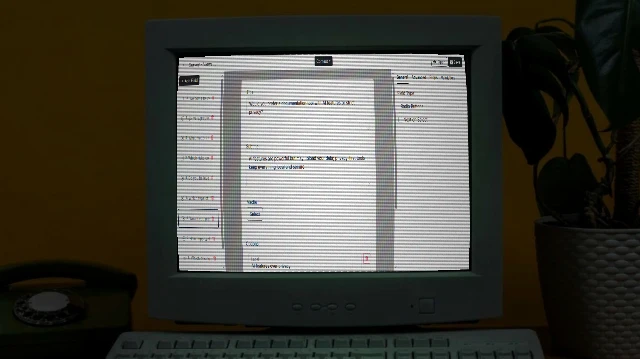
Arkivya
Solution for forms for businesses giving full ownership, customization, AI help, white-label, extensible. Self-host/source code options.
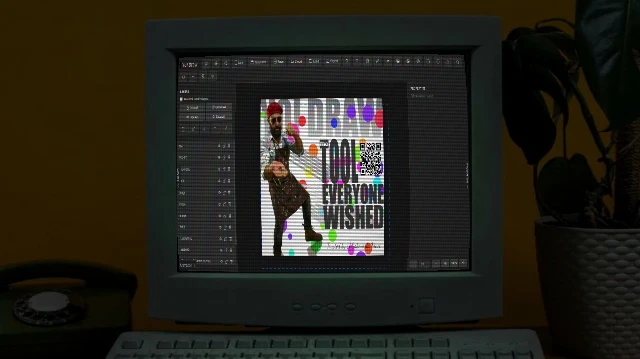
Yo! Draw
Free browser-based graphic design/animation tool for posts, ads, thumbnails, logos. No signup, privacy-focused, animations, sync, JS extensible, PNG/SVG exports.
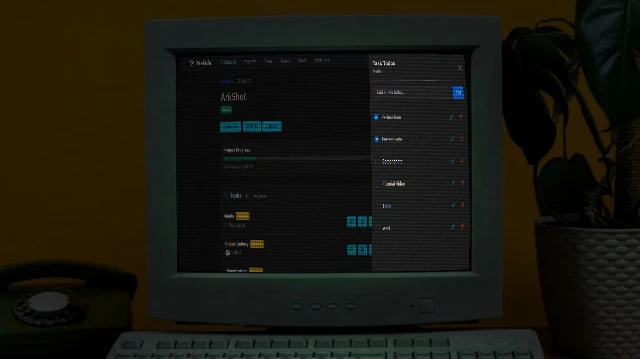
Taskida
Project and Task Management Solution for individuals and teams. Create project, manage tasks, collaborate with team members. Easy, flexible and powerful.
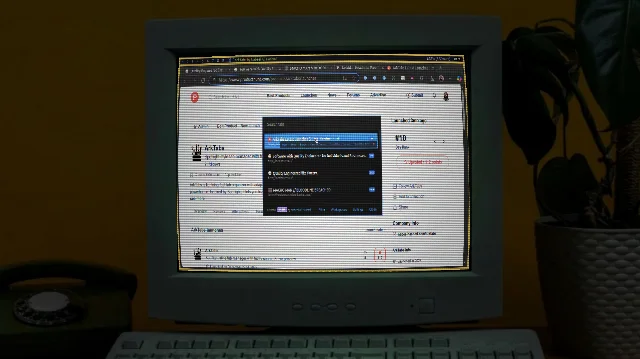
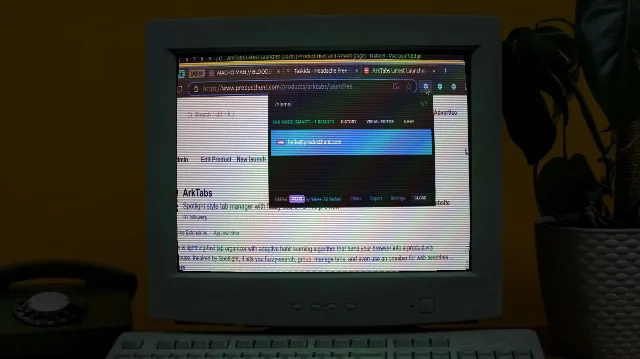
ArkFind
The ultimate web extractor and navigator. Quickly navigate pages, extract contacts, emails, and addresses into JSON/CSV. Features the powerful ARK engine and a visual builder for effortless data capture.
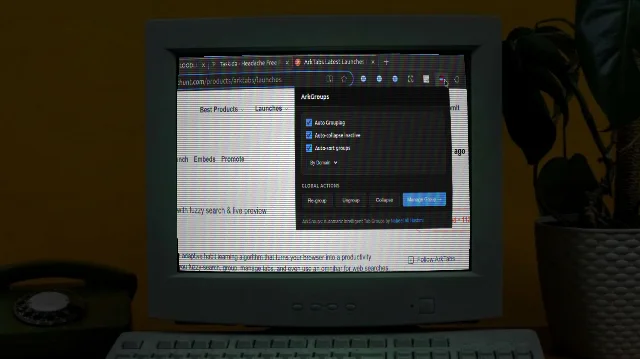
ArkGroups
Automatically organize your browser tabs into color-coded groups based on customizable rules. Keep your workspace clean, organized, and efficient.